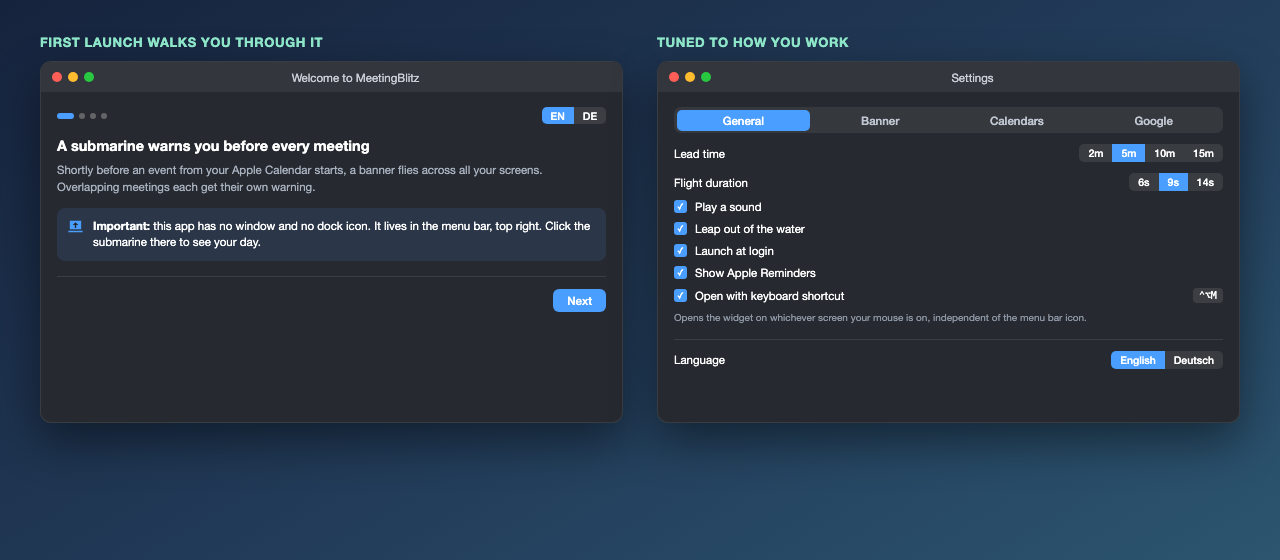
Free · open source · macOS menu bar
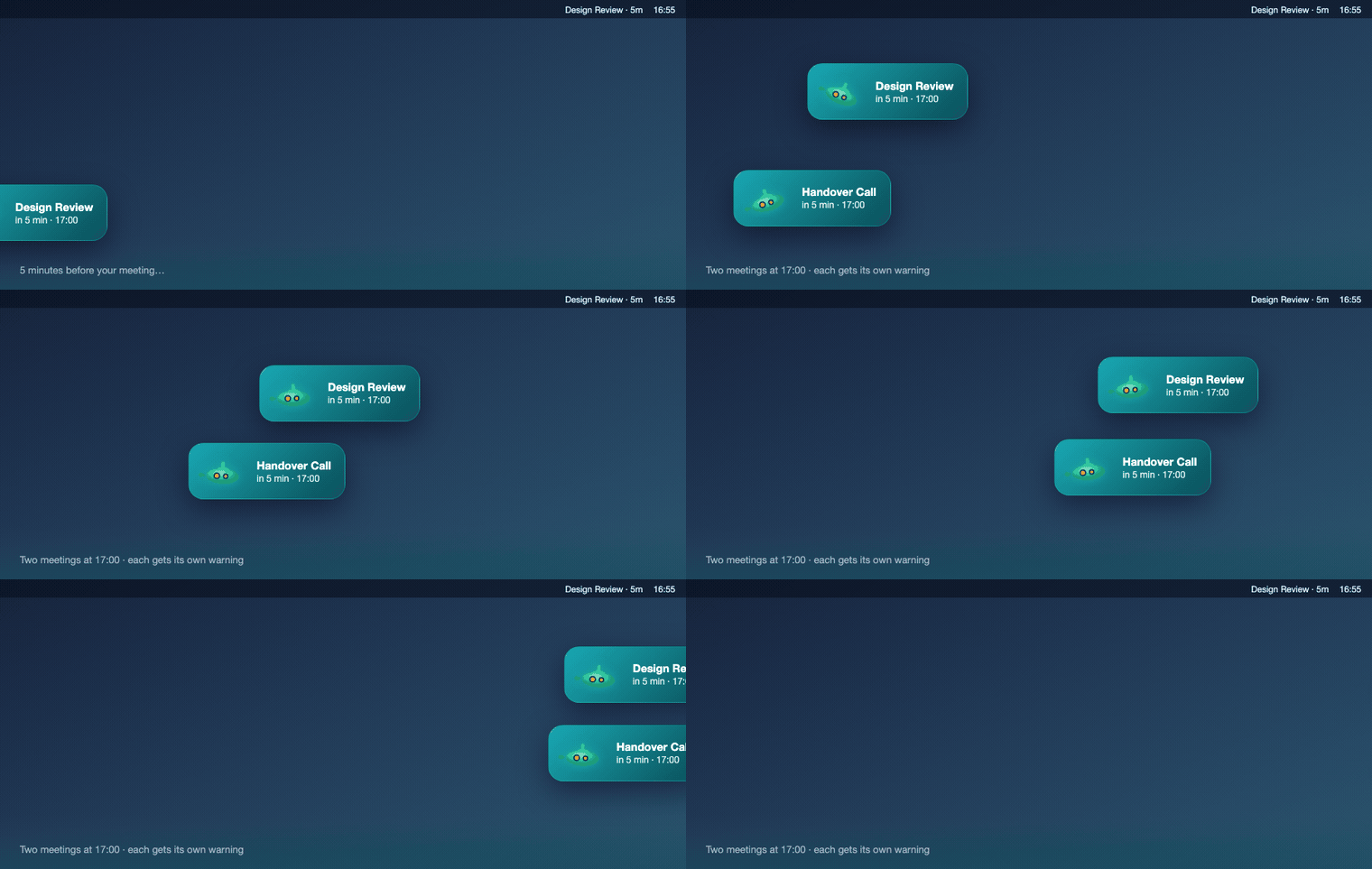
Shortly before a calendar event starts, a submarine flies across all your screens. When two events overlap, each one gets its own banner, in its own lane.
two events, same start time → two banners, two lanes
Why this exists
Other tools show the next meeting: one line in the menu bar, one notification. A call nested inside a focus block collapses into a single reminder — and you miss the other one. Here each event fires its own banner, and overlapping banners stack into separate lanes.
MeetingBar has had this exact request open since 2021.
Notifications are built to be ignorable: they slide in at the edge and file themselves into a list you check later. A submarine flying across every monitor is not something you scroll past — and it never lands in Do Not Disturb.
The menu bar widget
Click the submarine in the menu bar and the day unfolds: a timeline of what's ahead, and actions on every event.
fri 4pm to 5pm call with chris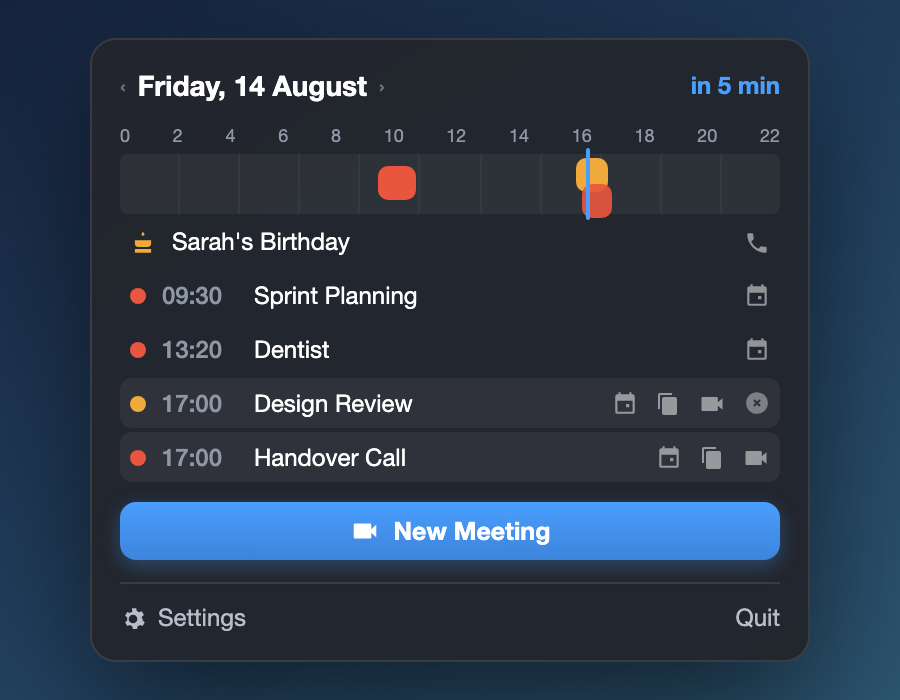
27 skins, 4 styles
Swap the submarine for a whale, a jet, a UFO — 27 skins across four visual styles. These are the real photos the photo style flies across your screen: everything that belongs in the water leaps out of the sea, everything that belongs in the sky bursts out of a cloud.









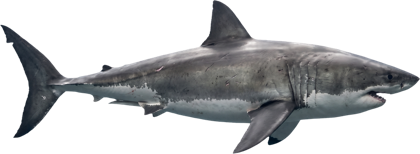







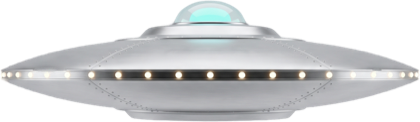









Every photo motif is a real thing — a real boat, a real animal, a real aircraft. Double-click one in the app and its actual story opens, fact-checked and with a source, not written from memory.
Everything else
meetingblitz:// URL schemeAlso: export any event as .ics · Apple Reminders due today shown next to events · a second time zone in the widget · English and German, switchable live.
Honest comparison
The macOS menu bar already has good calendar apps. Here is where this one is genuinely different — and where it isn't.
| MeetingBlitz | MeetingBar | Itsycal | Calendr | |
|---|---|---|---|---|
| Overlapping events warn individually | yes | no (open since 2021) | n/a | n/a |
| Warning style | banner on all screens | menu bar title, notification | none | none |
| Conflict warning while creating | yes | no | no | no |
| Claude / MCP access | yes, optional | no | no | no |
| Natural-language input | yes | no | no | yes |
| Maturity | hobby project | 5.3k stars | 4.0k stars | 2.3k stars |
If you want the most mature, best-supported option with the widest service coverage, install MeetingBar — it is excellent, and this project started as a fan of it.
Get it
Two minutes, one script — and locally compiled software is not quarantined, so there is no Gatekeeper dance at all.
git clone https://github.com/Felixosk/meetingblitz-mac.git
cd meetingblitz-mac
./build.sh && open dist/MeetingBlitz.app
Grab the latest release, unzip, move to Applications. It is signed with a self-made certificate, not a paid Apple developer account, so macOS quarantines it on download. This clears the flag:
xattr -dr com.apple.quarantine /Applications/MeetingBlitz.app